One look. Every photo.
Drop a reference image, then a whole batch of photos. BatchFilter transfers the color grade to all of them at once, right in your browser.
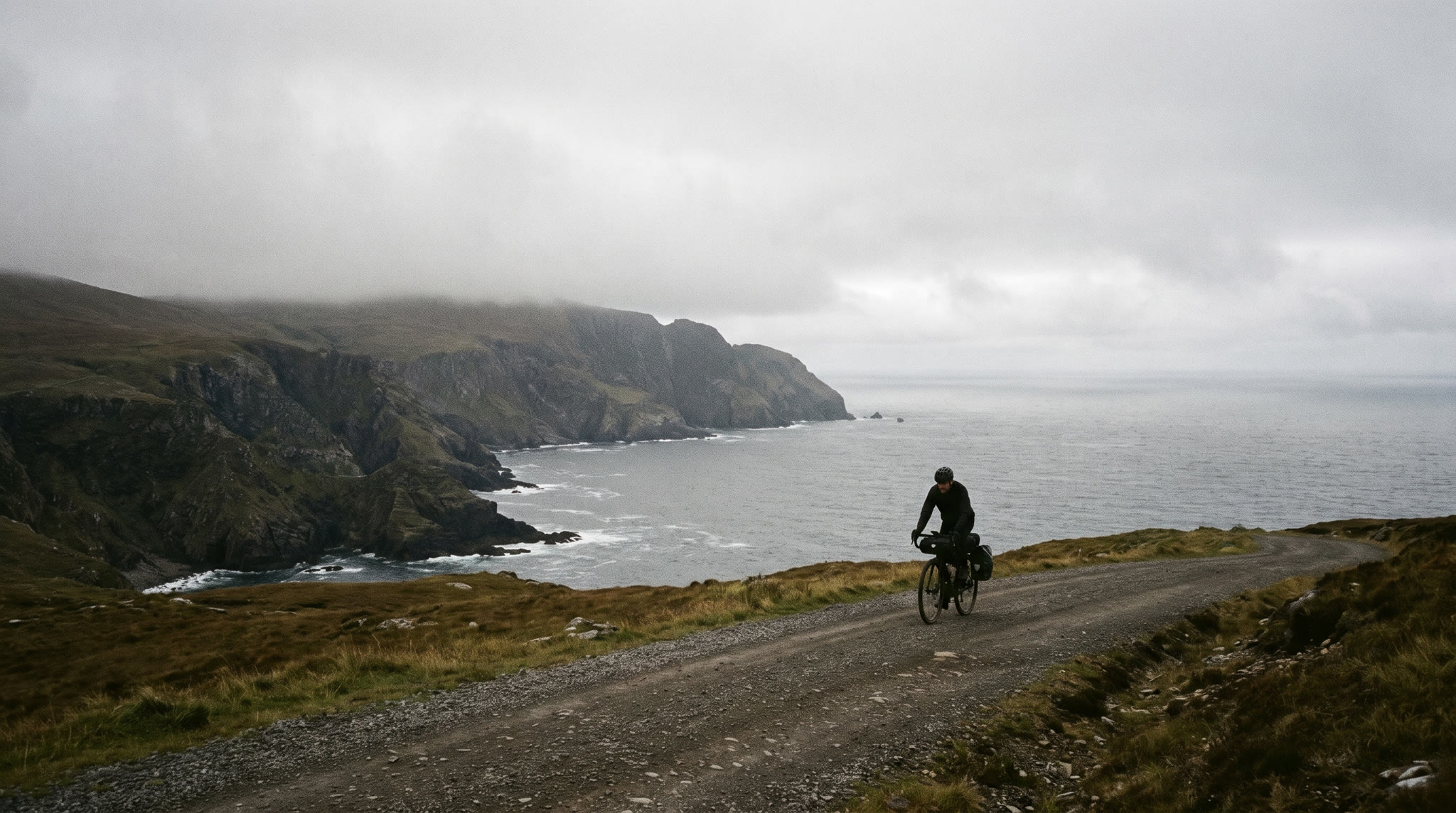
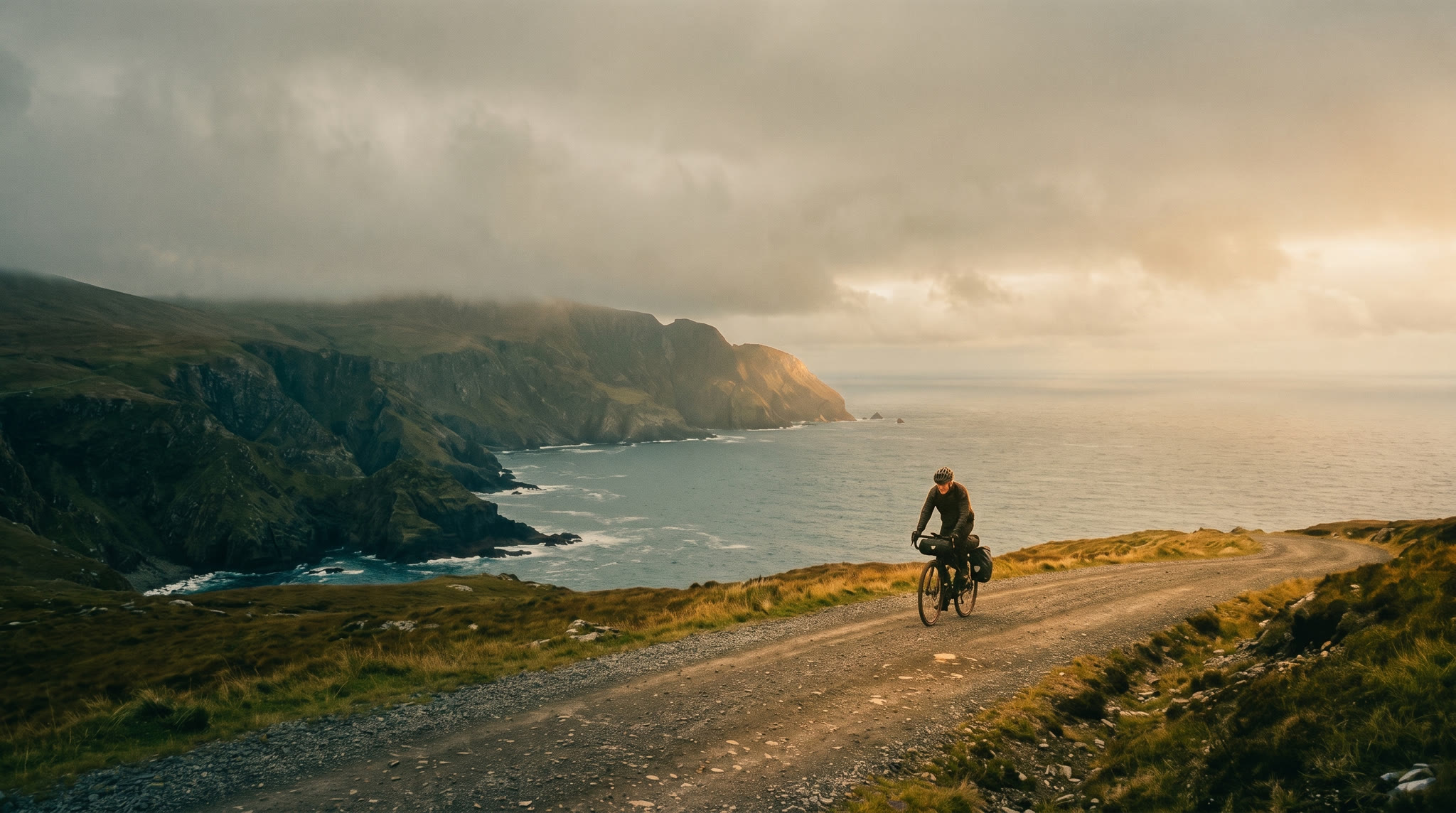 OriginalMatched
Set the look, then feed the batch.
Three steps to a matched set.
Set the reference
Drop the photo whose look you want, or pick one of the sample styles. BatchFilter reads its color signature in the L*a*b* color space: average light, color balance, and how tones spread.
Drop the whole batch
Add up to thirty photos at once, by drag and drop, browsing, or pasting. Every image is measured and matched to the reference signature one by one, on your own machine.
Export everything
Compare each result with a swipe, tune the strength, then download the matched set as a ZIP. Or bake the style itself into a HaldCLUT and reuse it in your editor.
Measured answers.
Are my photos uploaded anywhere?
No. Matching runs entirely in your browser with a local color engine that works in the L*a*b* color space. Nothing leaves your machine, and closing the tab clears everything.
Which formats and sizes can I use?
JPEG, PNG and WebP, up to 30 photos per batch. Results come back in the original format, capped at 4096 pixels on the long edge to keep the browser responsive.
What are batch adjustments?
Global finishing tweaks applied after the color match, to every photo at once: light balance, brightness, exposure, contrast, highlights, shadows, saturation, tint, temperature, sharpness and definition. They sit in the dropdown at the top of the batch panel, and you can reset them any time without losing the match.
What does Protect contrast do?
It softens how much the lightness channel is remapped, so your photos keep their own contrast and shadow detail while still taking on the reference color palette.
How do I use the exported style LUT?
The export is a level 8 HaldCLUT PNG carrying the reference signature. darktable and RawTherapee read HaldCLUTs directly, and DaVinci Resolve imports PNG LUTs. For Lightroom or Photoshop, convert it to a .cube file first.